Why most people stall on day two of learning Python
Learning Python with AI sounds easy until you actually try it. You open a chatbot, ask it to teach you Python, and within ten minutes you have a long explanation, three code samples and no idea what to type first. The next day you open the same chat, ask a slightly different question, and start again from the beginning. Nothing builds on anything, because nothing was ever practised.
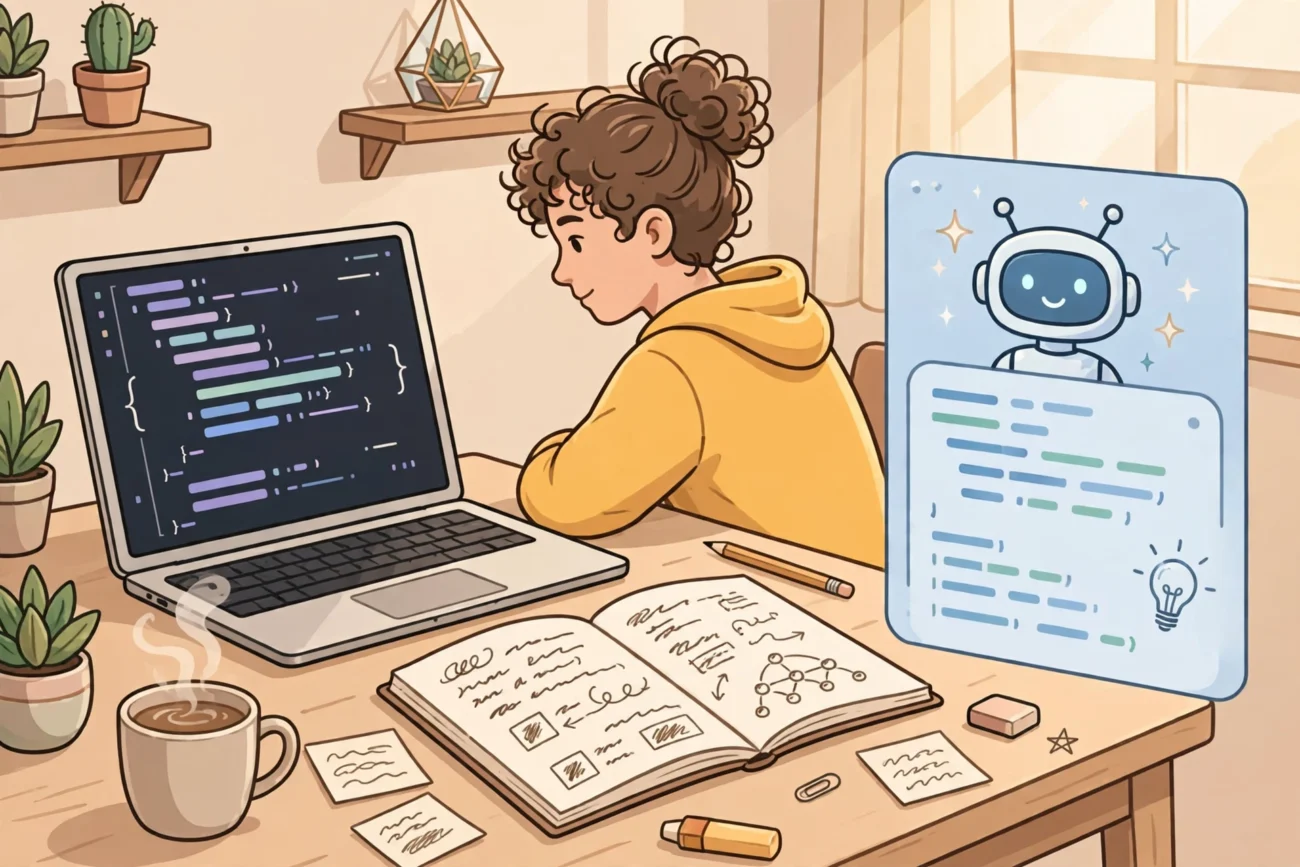
The problem is not Python, and it is not the AI. The problem is the order of work. When the AI does the writing, you do the reading, and reading code is not the same as learning to write it. This plan fixes that order. For seven days, you write first, even when the code is short and clumsy, and you use AI afterwards to explain, check and stretch what you just did. If you want to learn Python with AI, this is the order that actually works: by the end of the week you will be a beginner who can start a file, finish a small programme, find a bug and explain what it does in plain English.
This is a kickstart, not a course. It assumes no previous programming experience, about 45 to 60 minutes a day, and a computer you can install software on. If you have less time, do one day over two evenings rather than skipping the practice. The plan works because every day ends with something that runs.
How to learn Python with AI: set up before day one
Do this once, before you write any code. Download Python from the official Python website, at python.org/downloads, and install it by following the installer for your computer. On Windows, look for the option to add Python to PATH during installation, because that is what lets you run Python from a terminal later. Then open a terminal or command prompt and type python --version or python3 --version. If a version number comes back, Python is ready. If it does not, stop and fix the installation before moving on, because every later day depends on it.
Next, choose your two AI helpers and give each one a different job. Use a chat assistant, such as ChatGPT, as your explainer and quizmaster. Use an in-editor coding assistant, such as GitHub Copilot, as your second pair of eyes while you type. GitHub offers Copilot Free for individual developers who want to try it at no cost, and verified students can get access to Copilot features for free through GitHub Education. That matters here because this plan is built around free tools: you should not need to pay anything to follow it.
Finally, set one ground rule for the week: the AI may explain code, suggest a fix or quiz you, but it may not write a whole day’s programme for you. When tempted to paste an error and ask for the finished answer, ask instead: “What does this error mean, and what should I check first?”
Day one: your first programme, typed by you
Open a new file, save it as day1.py, and type this yourself, character by character:
name = input("What is your name? ")print("Hello, " + name)
Run it, type your name, and watch it greet you. You have now used a variable, a named box that holds a value; an input, which collects text; and a print statement, which shows a result. Ask your chat assistant to explain each line, then close the chat and explain the programme back to yourself out loud without looking. If you cannot, you have found your first gap.
As an example, imagine a student called Priya who types the code but gets an error because she writes Print with a capital P. That is not a silly mistake; it is a useful one. Python is case-sensitive, so print and Print are different things. Ask the AI why the error mentions a name that is not defined, fix the capital letter yourself, and run the programme again. You have just practised the most common beginner skill of all: reading an error, understanding one line of it, and fixing one thing.
Day two: numbers, decisions and a programme that chooses
Today you learn how Python makes decisions. Write a programme that asks for a number, then prints a different message depending on whether the number is above or below a threshold you choose. For example, a study-score checker might print “Keep going” for a score below 50 and “Strong work” for 50 or above. Use if and else to make the choice, and test it three times: once with a low number, once with a high number, and once with exactly the threshold value. Beginners often test only the happy path, and then wonder why a programme breaks on the boundary. Testing the boundary is a habit worth building on day two, not in month two.
When the programme works, ask the AI to give you three new decision problems, but do not ask for the answers. Solve one yourself, then ask the AI to check only that one. A good prompt is: “Here is my code. Tell me what is wrong with the logic, but do not rewrite it.” If the AI rewrites it anyway, ignore the rewritten version and fix your own file. The goal is a programme you understand, not a programme that merely runs.
Day three: loops, or how to stop repeating yourself
A loop runs the same block of code more than once, and it is the first idea that makes programming feel powerful. Write a programme that prints the numbers 1 to 10, then change it so it prints only even numbers, then change it again so it asks the user how far to count. Each change is small, and each one forces you to understand the loop rather than memorise it.
Use your in-editor assistant deliberately today: type a comment describing what you want, read every line of its suggestion before accepting it, and ask your chat assistant about any line that surprises you. Accepting code you have not read is the fastest way to finish a day’s work and learn nothing from it.
Day four: lists and a real mini-project
Today you combine everything so far into one mini-project: a study-topic tracker. The programme should hold a list of topics, let the user add a topic, print the whole list, and mark progress in the simplest way possible, for example by printing the list again with a count of topics. Do not add files, menus or fancy features. A short programme that runs cleanly beats a long programme that half works.
Work in this order: write the list and print it, run it, then add the “add a topic” step, run it again, then add the count. If something breaks, you know it came from the last small change. This “small change, run, check” rhythm also keeps AI useful: when you ask for help, you can point to one change, not a whole broken file.
As an example, imagine a learner whose tracker prints an empty list because they created the list in the wrong place. Asking the AI “why is my list empty?” is a good question; asking it to “build me a study tracker” is not, because the answer would skip the exact misunderstanding that needs fixing.
Day five: functions, or giving a job a name
A function is a named block of code that does one job, and you call it whenever you need that job done. Take yesterday’s tracker and move one repeated job into a function. For example, turn the “print the list neatly” steps into a function called show_topics, then call it from different parts of the programme instead of repeating the printing code. If the programme still works exactly as before, you have refactored it: changed its structure without changing what it does.
Then ask your chat assistant to quiz you, one question at a time, on the difference between defining a function and calling it. Defining is writing the recipe; calling is actually cooking. If you only define functions and never call them, nothing happens. Answer out loud, in your own words, before reading the AI’s explanation: pulling an answer from memory is what turns a watched explanation into knowledge you can reuse.
For more on using a chat assistant as a quizmaster rather than an answer machine, see our guide on using ChatGPT for studying, and our walkthrough of ChatGPT Study Mode for guided, question-led learning.
Day six: break it on purpose, then fix it
Day six is the day most self-taught plans skip, and it is the day that saves you the most time later. Deliberately break a working programme, in small ways, and fix each break. Remove a colon. Misspell a variable name. Indent a line by one extra space. Each time, read the error message before asking the AI anything, and write down in one line what the error meant. You are building a personal error dictionary, and it will pay off every time you code.
Then give yourself a timed challenge: change the tracker so it handles an empty list gracefully, printing a friendly message instead of crashing. You may ask the AI for a hint, such as which condition to check, but write the fix yourself.
Day seven: build one programme from scratch, without copying
On the final day, close your old files and build a fresh programme from a blank file. A good target is a simple quiz scorer: it asks three questions you write yourself, checks each answer, and prints a final score with a different message for a low, medium and high score. You may look up syntax you have forgotten, and you may ask the AI to explain a concept, but do not paste in a complete solution from anywhere. The programme does not need to be original in its idea; it needs to be yours in its construction.
When it runs, do three things: add a short comment at the top explaining what the programme does, in plain English, as if for a friend; run it with a wrong answer on purpose and check the score still makes sense; and write a note listing the one idea you still find shaky. That note becomes your day-eight starting point. You have not finished learning Python. You have finished the hardest part: starting properly.
Your seven-day checklist
Use this checklist at the end of each day, not just at the end of the week. If a box is unchecked, that day is not finished, even if the code runs.
- Python is installed and
python --versionreturns a version number. - Today’s programme was typed by hand, not pasted from the AI.
- The programme was run, and at least one boundary or wrong input was tested.
- One error was read, understood and fixed, or one concept was explained out loud without notes.
- The file is saved with a clear name, so tomorrow’s work can build on it.
- One sentence is written down about what is still unclear.
Common mistakes that quietly stall beginners
The first mistake is asking the AI to “teach me Python” with no goal, no time limit and no programme to build. Vague prompts produce vague lessons. Give the AI a task, a level and a constraint, such as: “I am a complete beginner. Quiz me on if-statements, one question at a time, without giving the answers first.”
The second mistake is treating the in-editor assistant as an author. Suggestions are drafts, not decisions. Read them, test them and be ready to reject them. A suggestion that runs but that you cannot explain is not help; it is a debt you will repay the next time that idea appears.
The third mistake is skipping errors. Copying an error into a chat and pasting back the fix teaches you how to operate a chatbot, not how to programme. Read the last line of the error first, find the line number it points to, and look at that line before asking anything. Half the time, the fix is visible once you actually look.
The fourth mistake is jumping to advanced topics too early. If functions still feel shaky, a web framework will not fix that; it will hide it under more code. Stay with the basics until you can build a small programme from a blank file. That test, not the number of tutorials completed, is the honest measure of progress.
What to do on day eight
Keep the same rhythm, but change the project: rebuild the tracker with one new idea, such as saving topics to a text file, or build a different small tool, such as an expense splitter. If you want structure for the wider study habit, our guide to creating a study schedule with AI shows how to turn a loose plan into a timetable you can follow, and our guide to making flashcards from a PDF with AI helps once your notes pile up. Above all, keep writing code before asking for code.
For the bigger picture, start from our hub guide on how to use AI tools for studying, which sets out how to choose the right tool for each study job instead of using one chatbot for everything.
One small table: which AI job fits which tool
| Job | Use this first | Why |
|---|---|---|
| Understand a concept | Chat assistant, as a quizmaster | It can ask questions and adapt to your answers. |
| Check code while typing | In-editor assistant | It sees the file you are actually working on. |
| Fix an error | Your own reading, then the chat assistant | The error message usually names the line to check. |

3 thoughts on “Learn Python with AI: A 7-Day Kickstart Plan”