Published on: • Last Updated:
Short answer: Collect feedback in one inbox, sort it by hand, let AI find themes checked against quotes, rank by impact, then fix one thing and close the loop.
Most small teams do not lack customer feedback. They drown in it. Survey answers sit in one tool, support tickets in another, reviews on three platforms, and a handful of comments in a shared inbox that nobody owns. Every month someone says “we should look at what customers are saying”, someone opens a spreadsheet, reads twenty comments, and concludes that customers want everything, urgently, all at once. Nothing changes, because “everything” is not a decision.
This guide gives you a small-team workflow for turning scattered feedback into decisions, using AI only for the job it is actually good at: reading a lot of text quickly and grouping it into themes. The decisions — what to fix, what to ignore, and what to tell customers — stay with people. Run it for one hour a week, and aim for one fix a week, not a feedback dashboard nobody opens.
Why feedback piles up without helping
Feedback fails in small teams for three predictable reasons. First, it lives in too many places, so nobody sees the whole picture; the support team hears about a bug, the sales team hears about pricing, and neither knows the other exists. Second, it is read anecdotally: the loudest complaint, or the most recent one, sets the agenda, even if only two customers raised it. Third, it is collected without a decision attached: a survey asks ten questions, produces a report, and nobody agreed in advance what would change based on the answers.
AI does not fix any of those three on its own. An AI summary of a messy pile is still a summary of a messy pile, and a sentiment score — “72% positive” — tells you almost nothing about what to do on Monday. The workflow below fixes the structure first, and only then brings AI in to do the reading.
Step 1: one inbox for feedback, even if it is a folder
Pick one place where all feedback ends up, and make adding to it part of someone’s weekly job. For most small teams, that place does not need to be a new platform: a shared folder, a single spreadsheet, or a dedicated channel in the tool you already use will do, as long as every source feeds into it. Survey responses, support tickets tagged as feedback, public reviews, and the useful comments from email and social messages all go in, with the date, the source, and the customer’s own words — not a paraphrase, and never a summary written by someone else first.
Keep the original wording. AI theme-finding works on language, and paraphrasing destroys the very detail that distinguishes “the checkout is confusing” from “the checkout rejected my card twice”. If a comment contains personal data you do not need, remove that before it goes in the shared file, and check your privacy obligations before connecting any AI tool to a file that holds customer data. A tool that is fine for analysing your own notes may not be fine for a file full of customer names and order details.
Step 2: sort before you analyse
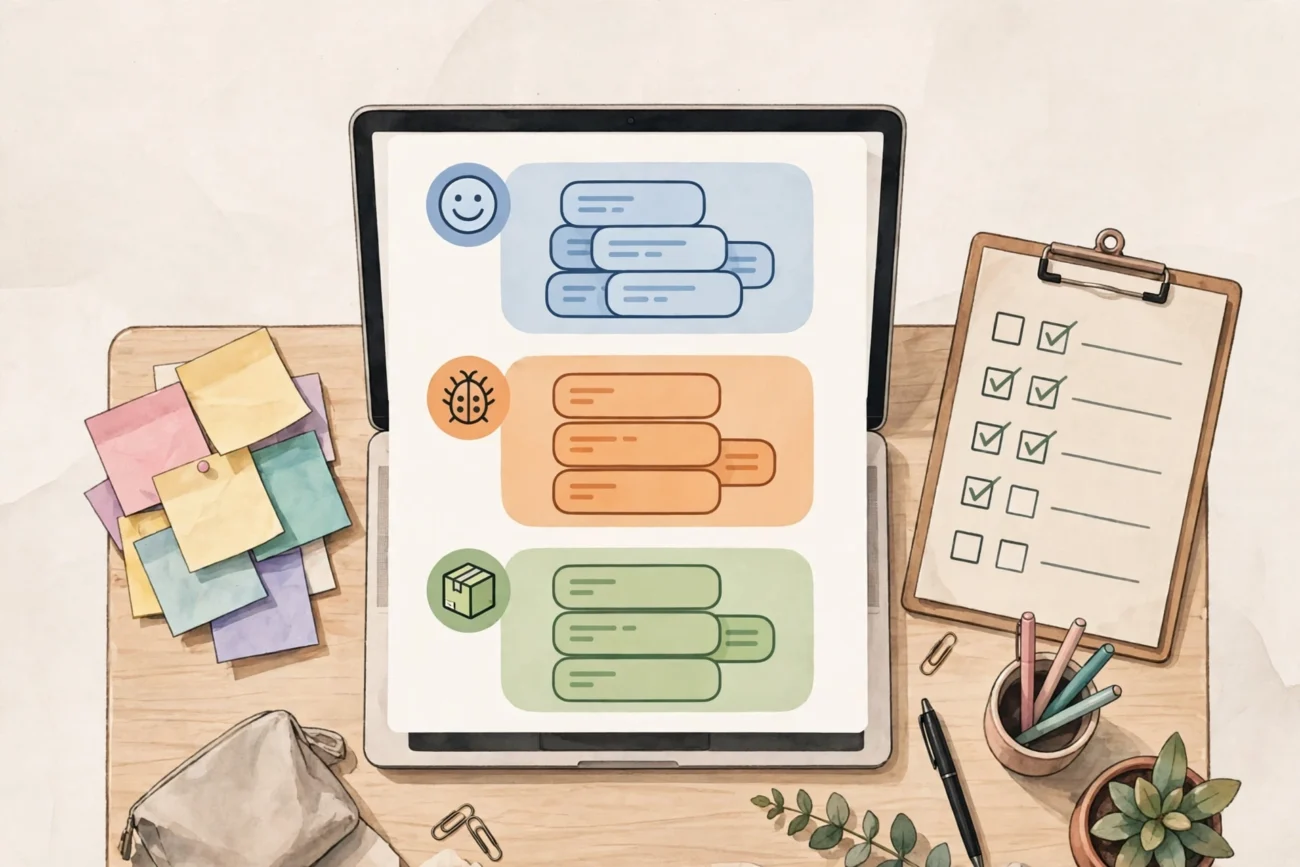
Before any AI touches the feedback, sort it into four piles by hand, quickly, for that week’s batch only. Do not try to sort the entire backlog; start with the last two weeks and work forward. The piles are:
- Praise: what customers liked, in their words. Keep these; they tell you what not to break.
- Complaints: something went wrong or disappointed them.
- Requests: something they want that you do not offer, or do not offer in the way they expect.
- Questions: something they did not understand. Questions are often the cheapest fixes of all — a clearer page, a better email, a missing explanation.
This sort takes twenty minutes for a typical small-team week, and it already prevents the most common mistake: treating a question (“how do I cancel?”) as a feature request (“build a cancel button”), or treating praise for one feature as evidence that a different feature is fine. AI can help with sorting later, once you have done it by hand a few times and know what your piles actually look like; starting with AI sorting means you never learn the distinctions, and you cannot tell when the AI gets them wrong.
Step 3: let AI find themes, then check them against real comments
Now, and only now, ask an AI tool to read one pile at a time and group it into themes. A useful prompt pattern is: “Read these customer comments and list the five most common themes, with two verbatim quotes for each theme, and tell me how many comments fall under each.” The quotes matter more than the theme names: a theme called “checkout problems” is useless, but two quotes saying “my card was rejected twice” and “I could not find where to add a discount code” point at two different fixes.
Check every theme against the quotes before you believe it. AI grouping has two reliable failure modes in feedback: it merges distinct problems that share words (a delivery delay and a delivery fee are not the same problem), and it invents a neat theme from three comments that happen to sound similar. If a theme has no convincing quotes behind it, drop it. If a theme’s quotes disagree with each other, split it. This checking step is the whole workflow: without it, you are just outsourcing your judgement to a summary.
For a broader view of choosing tools for a job like this — rather than buying the first AI product that promises insights — see our guide to how to choose AI tools for business, and for the support side of the same feedback, AI chatbots for SaaS companies covers where chatbots help and where a person should still answer.
Step 4: rank themes by impact, not by volume alone
A theme mentioned fifty times is not automatically more important than one mentioned five times. Rank each theme on three simple questions, scored roughly, not precisely:
| Question | High score looks like | Low score looks like |
|---|---|---|
| How many customers raised it? | Dozens, across sources | Two people, one channel |
| How much does it cost them? | Lost orders, churn, wasted hours | Mild annoyance, easy workaround |
| How fixable is it this month? | A page rewrite, a process change, a small fix | A rebuild, a new product, a policy you cannot change |
The themes that score high on all three are your fix list. The themes that score high on volume but low on fixability go on a “later, honestly” list — and telling customers that, plainly, is better than silently ignoring them. The themes that score low everywhere get archived, not debated: a small team cannot fix everything, and pretending otherwise is how feedback work turns into a meeting that produces nothing.
Watch for the loudest-customer bias here. A single enterprise customer, or a single angry reviewer with a large audience, can make a rare problem look like a crisis. Weighting by how many customers raised it — and, where you know it, how much revenue those customers represent — keeps one voice from overruling fifty quiet ones. That weighting is a human judgement, not an AI score, and it should be written down next to the theme so next month’s team can see why the decision was made.
Step 5: fix one thing, then close the loop
Pick one theme from the fix list each week and fix it properly, even if the fix is small. A clearer cancellation page, a discount-code field that is actually visible, a support reply template that answers the question customers keep asking — small fixes, shipped, beat a grand feedback programme that never ships anything. Record the fix in a simple decision log: date, theme, quotes that proved it, what changed, and who owns checking whether it worked.
Then close the loop: tell the customers who raised it, where you can, that it changed because of their feedback. A short reply to a review, a line in a changelog, or a message to the customers who complained — this is the part most teams skip, and it is the part that makes the next survey worth answering. Customers who see their feedback change something keep giving it; customers who never hear back stop bothering, and you lose your cheapest source of product information.
Check the fix after a month, using the same feedback inbox: did mentions of that theme fall, stay flat, or change shape? If they fell, the fix worked. If they changed shape — customers now complain about a different step in the same flow — you fixed one layer and found the next one, which is progress, not failure. If nothing changed, the fix addressed the wrong cause, and the quotes will usually tell you why if you re-read them.
An illustrative week, start to finish
Take, as an example only, a small team selling a subscription product online. In week one they gather two weeks of feedback into one folder: 120 items, mostly support tickets and reviews. Sorting by hand takes twenty minutes. Asking an AI tool to theme the complaints pile returns five themes; checking the quotes splits one theme into two, leaving six. Ranking puts “discount code not visible at checkout” at the top: mentioned by 34 customers, costing abandoned checkouts, fixable by moving one field on one page. They fix it that week, reply to the reviewers who mentioned it, and log the decision. The following month, discount-code complaints fall from 34 to 6 in the same inbox. Nothing else about the product changed — but the team now trusts the workflow, because it produced one visible fix from one week’s feedback.
Tools by job, not by hype
You do not need a dedicated feedback platform to run this workflow, and most small teams should not buy one until the workflow itself is working. Start with what you have, and add tools only where a specific step hurts:
| Job | Start here | Consider next | Watch out for |
|---|---|---|---|
| Collecting feedback in one place | Your existing survey, support, or form tool | A feedback portal, once volume justifies it | Paying for a portal nobody feeds |
| Finding themes in text | A general chatbot over an exported batch | A dedicated text-analysis tool | Trusting themes without checking quotes |
| Tracking decisions | A simple decision log (date, theme, fix, owner) | A product-management tool you already use | A dashboard that replaces decisions |
| Closing the loop | Replies, changelogs, and direct messages | Automated “we listened” emails | Automated messages that promise fixes you have not made |
Do not quote prices from this guide when you shop: feedback tools reprice often, and enterprise tools in particular may be priced by quote. Check the vendor’s current pricing page, and check whether the plan you would actually buy includes the analysis features or sells them separately. Our guide to auditing AI subscriptions is worth running before adding another tool to the stack, and for the agent end of the spectrum, what AI agents actually are explains why a feedback agent that acts on its own is a different, riskier choice than a tool that only reads and groups.
This week’s checklist
- Pick one place for feedback and route this week’s survey, ticket, review, and inbox comments into it.
- Sort two weeks of feedback by hand into praise, complaints, requests, and questions.
- Ask AI to theme one pile, with two verbatim quotes per theme, and check every theme against its quotes.
- Rank themes by volume, cost to the customer, and fixability — and write the ranking down.
- Fix one theme properly, log the decision, and tell the customers who raised it.
- Re-check that theme in next month’s feedback before declaring it fixed.
If the workflow feels heavy after two weeks, shrink it before abandoning it: one pile instead of four, one theme instead of five, one fix a fortnight instead of a week. The goal was never a perfect feedback system. It was a team that hears what customers actually said, fixes one thing that matters, and can show its working — quotes, ranking, and decision log — when anyone asks why that fix came first.
What worked and what didn’t
What worked:
- Collecting feedback in one inbox, sorting it by hand into praise, complaints, requests and questions, and only then letting AI find themes, with two verbatim quotes per theme checked before any theme is believed.
- Ranking themes by impact, not volume alone, how many customers raised it, how much it costs them, and how fixable it is this month, then fixing one thing a week and closing the loop with the customers who raised it.
What didn’t work:
- Reading feedback anecdotally, so the loudest or most recent complaint sets the agenda even if only two customers raised it, or letting one enterprise customer or angry reviewer make a rare problem look like a crisis.
- Starting with AI sorting, which means never learning the distinctions between piles, or trusting AI themes without checking quotes, since AI merges distinct problems that share words and invents neat themes from comments that merely sound similar.
- Treating a question such as ‘how do I cancel?’ as a feature request, or praise for one feature as evidence that a different feature is fine.
- Trusting an AI summary of a messy pile, or a sentiment score such as ‘72% positive’, which tells you almost nothing about what to do on Monday.
- Paying for a feedback portal nobody feeds, replacing decisions with a dashboard, or sending automated ‘we listened’ messages that promise fixes you have not made.
Frequently asked questions
How much time does this workflow take each week?
About an hour a week, for one fix a week. Sorting that week’s batch by hand takes about twenty minutes for a typical small-team week. If the workflow feels heavy after two weeks, shrink it before abandoning it: one pile instead of four, one theme instead of five, one fix a fortnight instead of a week.
What should we do with a theme many customers raised but we cannot fix this month?
Put it on a “later, honestly” list — and tell customers that, plainly, rather than silently ignoring them. Themes that score high on volume but low on fixability belong there, while themes that score low everywhere get archived, not debated. Only the themes that score high on volume, cost to the customer, and fixability this month go on the fix list.
Related: Once feedback points to a fix, announce it well — our SaaS release notes template with AI help turns a shipped change into a note users actually read.
Feedback and payment both run on follow-up: a customer who feels heard pays faster, and a reminder sent on schedule keeps the relationship intact. Our AI invoicing workflow for small business covers the payment side of that routine, with a 30-day chase plan.
The person who answers support tickets also hears customer feedback first, so the hire matters to this workflow as much as the software does; our AI hiring guide for small teams shows how to screen CVs for a support hire without letting a score make the decision.
Feedback only helps if someone acts on it quickly, and the fastest first step is automation: three free Zapier workflows for small business show how a form response can ping your inbox the moment it arrives — the same trigger pattern a feedback workflow can borrow.

7 thoughts on “Turn Customer Feedback Into Decisions: A Small-Team AI Workflow”