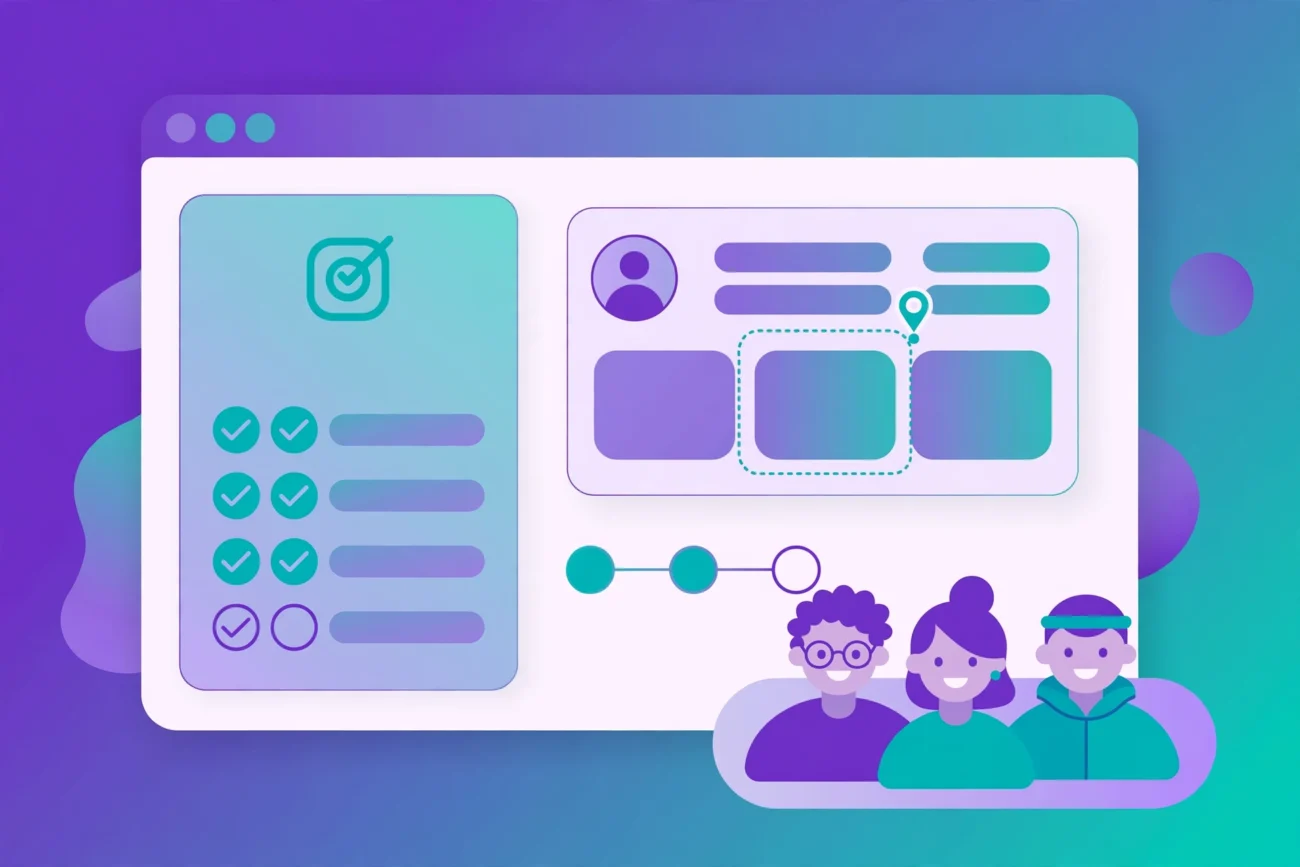
Most new SaaS users do not churn because the product is bad. They churn because they never understood what it could do for them, quickly enough, in a way that matched their own job. Fixing that gap is the whole job of onboarding — and in 2026, the best SaaS onboarding tools are increasingly the AI-powered ones.
This guide is for SaaS founders and product teams: what AI genuinely changes about onboarding, which tools do the work well, and what good looks like in practice. No hype — real features verified on the vendors’ own pages.
SaaS onboarding tools: what AI actually changes
Onboarding has always been a sequence: sign up, set up, learn, reach value. AI doesn’t replace that sequence — it makes each step adapt to the person going through it.
Personalised flows instead of one-size-fits-all tours
The classic tour shows every new user the same five screens in the same order. AI uses what the product already knows — role, company size, the goal stated at signup — to choose which steps to show, skip or delay. A marketing lead and a data engineer signing up for the same analytics tool need different first sessions, and modern platforms route them down different paths automatically.
In-app guidance that reacts to behaviour
The most useful guidance appears at the moment of need: a tooltip on a first visit to a complex screen, a checklist item that ticks off on completion, a nudge when someone stalls mid-setup. Behaviour-based triggering turns onboarding from a script into a responsive layer.
AI assistants and chatbots that answer in the moment
The fastest onboarding help is the kind users don’t leave the product to find. AI assistants embedded in-app answer setup questions and explain features conversationally, drawing on approved help content rather than improvising. An AI chatbot resolving a “how do I import my data?” question at 2 AM is doing genuine onboarding work. If chatbots are your starting point, our guide to AI chatbots for SaaS companies walks through the options in more depth.
Behavioural triggers that fire at the right time
Timing is half of onboarding. AI-assisted platforms use product events — feature usage, session activity, milestone completion — to decide when to show a message, send an email or stay quiet. Cross-channel journeys combining in-app messages with behaviour-triggered emails keep the whole conversation coherent instead of a pile of disconnected nudges.
The tools: AI-powered SaaS onboarding software in 2026
Features below were verified on each vendor’s own site.
Appcues
Appcues centres on checklists, multi-step guided flows (modals, tooltips, slideouts) and behaviour-based triggering — flows fire on account attributes, product actions, milestones and segments. In-app NPS and surveys collect feedback at key journey moments. AI is included on every plan: brief the platform once on your brand, product, goals and audience, and it uses that context to build campaigns and surface recommendations. Plans are seat-unlimited, with a free trial available after a sales call.
Userpilot
Userpilot combines product analytics, user onboarding and in-app surveys in one interconnected platform: analyse a funnel, find where users drop off, and immediately deploy a survey or new in-app experience to fix it. Analytics cover funnels, trends, paths, retention cohorts and custom dashboards, plus session replay. Events are auto-captured without code, so no developer is needed to start tracking behaviour. Pricing is based on monthly active users rather than events, keeping invoices predictable.
Chameleon
Chameleon calls itself a “self-improving product system” and is the most explicitly agentic onboarding tool. Its AI agents divide the work: Compass tracks sessions and builds a context graph per user and company — features adopted, where they got stuck — to personalise guidance. Copilot acts on the friction Compass finds, either shipping in-app guidance or filing the issue in the team’s tracker. Prism adapts each piece of guidance to the individual automatically, with no manual audience segments. Ranger scans for stale flows and broken elements, suggesting fixes for a human to approve — nothing changes until you say so. For background on what these agents can and can’t do, see our explainer on what AI agents are.
Intercom (Fin)
Intercom approaches onboarding from the support side. Its AI agent, Fin, is natively integrated into the Intercom helpdesk, answering questions across chat, email, WhatsApp and other channels — resolving conversations itself and handing off to humans with full context when it can’t. Intercom reports Fin resolves an average of 76% of conversations across its customer base (a vendor-stated figure). Fin answers only from content you approve in the knowledge base, in more than 45 languages. Pricing is outcome-based — $0.99 per Fin-resolved conversation on top of seat pricing — with a 14-day free trial, no credit card required. Because Fin answers only from approved content, help-content quality matters; our guide to LLM SEO covers structuring content so language models use it accurately.
Pendo
Pendo pairs product analytics with its In-app Guides product: overlay guides (tooltips, lightboxes, banners), embedded guides placed inline, and step-by-step walkthroughs, all built in a visual studio with no engineering required. Guides segment to specific users or accounts via analytics and metadata; guide metrics and experiments support iteration. The wider platform adds session replay for spotting struggle points and Orchestrate for cross-channel journeys combining in-app messages with emails. Pendo sits at the enterprise end: deeper analytics and governance, paid plans aimed at larger product organisations.
AI onboarding software: side-by-side comparison
| Appcues | Userpilot | Chameleon | Intercom (Fin) | Pendo | |
|---|---|---|---|---|---|
| Core strength | In-app flows and checklists | Analytics + onboarding + surveys in one platform | Agentic, self-improving in-app guidance | AI agent for conversational onboarding support | Analytics-led guides at enterprise scale |
| AI capabilities | AI campaign building on every plan, briefed once on your brand and product | AI-assisted insight across analytics and engagement | Agents (Compass, Copilot, Prism, Ranger) analyse behaviour and ship or suggest guidance | Fin resolves setup conversations; answers only from approved knowledge content | Analytics-driven personalisation and experimentation |
| Analytics depth | Flow and checklist analytics | Funnels, paths, trends, retention, session replay | Guidance performance analysis, shareable to warehouses and LLMs | Conversation analytics and resolution reporting | Product analytics, session replay, guide metrics |
| Pricing model | Paid plans, unlimited seats; trial after sales call | Paid plans, priced by monthly active users | Paid plans; demo-led sales | Seat pricing + $0.99 per Fin resolution; 14-day free trial | Paid plans for larger organisations |
| Best for | Fast, no-code onboarding flows | Analytics and onboarding in one tool | Per-user adaptive guidance, minimal manual segmentation | Setup questions flooding support; chat as the channel | Enterprise teams combining analytics with guidance |
| Guidance types | Checklists, modals, tooltips, slideouts, NPS surveys | Tours, tooltips, checklists, modals, surveys | Per-user personalised guidance, adapted automatically | Conversational guidance via chat and email; outbound messages | Tooltips, lightboxes, banners, embedded guides, walkthroughs |
| Behaviour triggers | Yes — product actions, milestones, attributes, segments | Yes — experiences triggered from analytics events | Yes — guidance from a per-user context graph | Yes — proactive outbound messages | Yes — segmentation by user/account analytics |
What good AI-assisted onboarding looks like
We could not verify any vendor’s named customer onboarding story from a primary source at the time of writing, so the scenarios below are illustrative examples — patterns worth copying, not claims about real companies.
Example: role-based first sessions. A project management tool asks two questions at signup — team size and use case — then routes each user down a different path. Marketing sees templates and collaboration first; engineering sees integrations and the API. Nobody watches a tour of features they’ll never use.
Example: the stalled-setup rescue. A user starts connecting a data source, abandons it halfway and doesn’t return for two days. A behaviour-triggered email references the exact step they stopped at, with a short guide to finishing it. If they reply with a question, an AI assistant answers from the help docs and offers a human call if that doesn’t resolve it. The user returns and reaches their first report.
Example: the in-product copilot. A complex B2B product embeds an AI assistant in the interface. Opening a feature for the first time triggers a two-sentence explanation and one suggested next action — contextual, dismissible, grounded in the product’s own documentation. Over weeks, suggestions follow actual usage: power features surface only after the basics are adopted. This is the pattern Chameleon’s agents and Intercom’s Fin are built for — guidance adapting to observed behaviour, not a fixed script.
The shared thread: short flows, personalisation by role or behaviour, guidance at the moment of need, and an easy path to a human when automation isn’t enough. None of them need exotic AI — just good instrumentation and restraint.
Metrics worth tracking
Your own numbers are the only benchmarks that count — run cohort analysis on your own funnel.
Activation rate. The share of signups reaching your defined activation event — the action signalling they understood the value. Defining this event precisely is the single most important onboarding decision; if you can’t put a query around it, you can’t improve it.
Time-to-value. How long until a new user’s first meaningful outcome. The honest benchmark: is every step between signup and value necessary? Remove steps, don’t just speed them up.
Flow completion. Where users drop off inside onboarding flows, step by step — pinpointing exactly which screen or tooltip kills momentum, and where AI-assisted personalisation usually shows its effect first.
Feature adoption in the first 30 days. Which features new users touch, and whether guidance nudges move the needle. This connects a guidance change to an adoption change.
Trial-to-paid conversion and early retention. The business outcomes onboarding exists to serve. Watch them by cohort — new flow versus old — to attribute changes to the work you actually did.
Implementation: getting started in five steps
1. Define your activation event
Pick one action meaning “this user gets it” — publishing a form, creating a first dashboard. Everything in onboarding should point at it; everything that doesn’t is a candidate for removal.
2. Map the journey and find the leaks
Instrument your signup-to-activation funnel before changing anything. Session replays and funnel analysis reveal where users stall — usually one or two steps, not the whole flow. Fix the leaks first; personalisation is wasted on a broken funnel.
3. Start with one personalised flow
Don’t segment by ten attributes on day one. Pick the single split that matters most — role, use case or company size — and build two versions of your core flow. A two-question welcome survey drives this, and every major tool supports survey-gated branching.
4. Add behavioural triggers for stalled users
Find the two or three moments where users most often stop, and build targeted rescues for each: a contextual tooltip, a checklist reminder, a behaviour-triggered email. Keep them specific to the stalled step — generic re-engagement performs poorly.
5. Layer in AI where humans can’t scale
Once the core flow works, add the AI layer: a chatbot trained on your help content for setup questions, and adaptive guidance that follows observed behaviour. The rule: AI answers from approved sources and hands off cleanly to humans. An assistant that hallucinates setup instructions is worse than none at all.
Common pitfalls to avoid
The tour of everything. Showing every feature in one linear tour teaches users nothing. Onboarding is triage, not a demo — show the path to first value, hide the rest behind progressive disclosure.
One flow for everyone. A generic flow for every segment is barely better than no flow. If you can’t personalise by at least one meaningful attribute, the job isn’t finished.
Too many steps. Every step is a chance to leave. Three to seven core steps is the recurring pattern in practice.
AI answering from stale documentation. An assistant is only as good as its knowledge. If the help centre is outdated, the chatbot delivers outdated answers at scale. Documentation maintenance is part of onboarding ownership.
No owner, no iteration. Onboarding is a product, not a launch task. It needs an owner, a dashboard and a review cadence: ship a version, watch the drop-off data, ship a better version next month.
Frequently Asked Questions
What is AI-powered SaaS onboarding?
Onboarding that uses AI to personalise and automate the new-user journey: flows adapting to each user’s role and behaviour, in-app guidance triggered by product events, and AI assistants answering setup questions conversationally. Same goal as traditional onboarding — faster time-to-value, higher activation — with the path tailored per user instead of fixed for everyone.
Which are the best SaaS onboarding tools in 2026?
Appcues (no-code flows, checklists, behaviour-based triggering, AI on every plan), Userpilot (analytics, onboarding and surveys in one platform), Chameleon (agentic, self-improving in-app guidance), Intercom’s Fin (AI agent resolving setup and support conversations), and Pendo (enterprise-grade guides with deep product analytics). Choose based on whether you need in-app guidance, conversational support, analytics depth — or all three.
Do I need a dedicated onboarding tool, or can I build it myself?
Early-stage teams can start with hand-built flows — checklists, contextual tooltips and behaviour-triggered emails need no platform. A dedicated tool earns its place when you need no-code iteration by non-engineers, personalisation at scale, or analytics connecting guidance changes to activation changes.
How does an AI chatbot help with SaaS onboarding?
It answers setup questions in the moment — how to import data, where a setting lives — drawing on approved help content. The critical requirement is grounding: it must answer from current, approved documentation and hand off cleanly to a human when it can’t resolve the question.
What is the difference between onboarding and activation?
Onboarding is the full process of guiding a new user from signup toward value — flows, checklists, emails, in-app help. Activation is the specific moment a user takes the action signalling they understood the value, like publishing a first form. Good onboarding is designed to reach activation fast; activation is the metric that tells you whether it works.
How long should SaaS onboarding take?
It depends on product complexity, but the principle is universal: every step between signup and first value should be necessary. Simple tools can activate users in minutes; complex B2B products may need days of guided setup. Instrument your funnel, watch where users stall, and remove or streamline the steps that don’t earn their place.
The bottom line
AI hasn’t changed what onboarding is for — getting users to value before they have a reason to leave. It changed the granularity: flows adapting per user, guidance firing on behaviour, assistants answering from your own documentation around the clock. Define your activation event, fix the leaks in your funnel, personalise one flow — and let the data tell you what to build next.

2 thoughts on “AI-Powered SaaS Onboarding Tools: 5 Compared + Best Practices (2026)”